A Bold New Look at the Acer Swift 16 AI
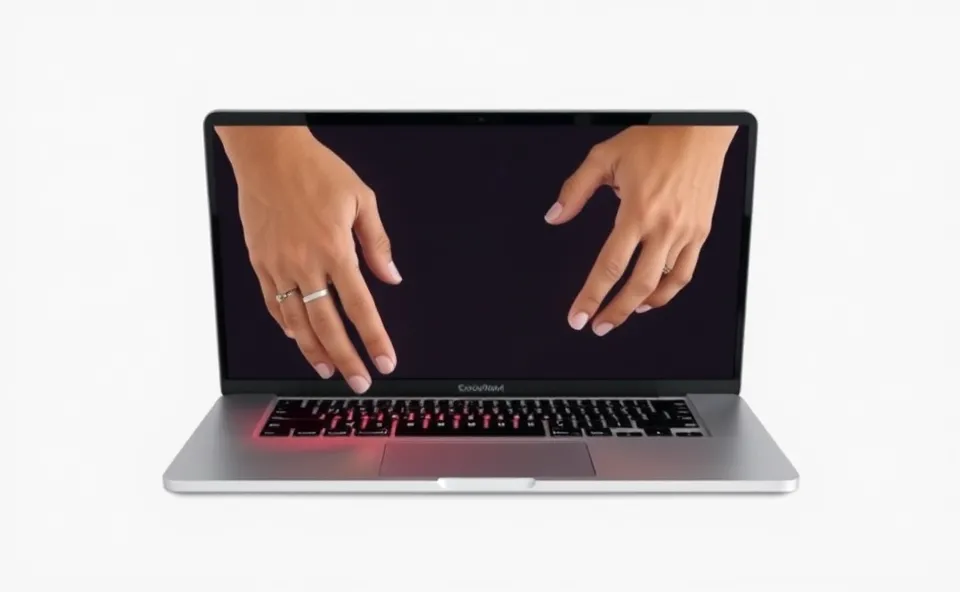
Imagine opening your laptop and seeing a touchpad that looks like it belongs on a tablet. That is the first thing you notice about the Acer Swift 16 AI. This 2026 laptop does not just add a few new features. It tries to change how we actually interact with our computers. Acer has gone all in on two things: artificial intelligence and a massive, oversized touchpad that dominates the lower half of the keyboard deck.
In this Acer Swift 16 AI review, we have to ask if this design is a stroke of genius or just a flashy gimmick. On the surface, the laptop is sleek and light. But the real story is in the palm rest. The touchpad is huge. It is not just a little larger than average. It is a vast expanse of glass that supports a variety of AI driven gestures. You can swipe, pinch, and tap in ways that feel more like using a smartphone than a traditional computer.
The AI part of the machine is woven into everything. It is not just a separate app you open. Instead, the laptop uses its onboard neural processing unit to manage battery life, noise cancellation, and even how the touchpad responds to your hand. When you first start using it, the experience feels futuristic. But as any tech lover knows, the gap between a cool demo and daily usability can be wide.
Why Everyone is Talking About This Laptop
Right now, the tech world is obsessed with the AI laptop. We have spent years hearing about AI in the cloud, but now it is living directly on our hardware. People are searching for this specific Acer laptop because it represents a gamble. While other companies are just adding a dedicated AI button to the keyboard, Acer decided to change the physical layout of the machine to match the software.
There is also a lot of curiosity about the large touchpad. For years, laptop manufacturers played it safe. They gave us a standard square and called it a day. Now, with the rise of remote work and creative hobbies, people want more flexibility. They want to know if they can finally leave the external mouse at home. The Acer Swift 16 AI promises a level of precision and gesture control that could make the mouse obsolete for the average user.
Beyond the hardware, there is the trend of the 2026 laptop cycle. We are seeing a shift where performance is no longer just about clock speeds or RAM. It is about how efficiently a computer can handle AI tasks without draining the battery in two hours. This makes the Swift 16 AI a prime example of where the industry is heading.
The Journey to the AI PC
To really understand why this laptop exists, we have to look at where we came from. For a long time, the Swift line from Acer was known for being reliable, thin, and affordable. They were great machines for students and office workers. They did the job, but they rarely broke new ground. They followed the trends rather than setting them.
Then, the industry hit a wall. Laptops became so similar that it was hard to tell one brand from another. Every thin and light laptop had a similar screen, a similar keyboard, and a similar trackpad. At the same time, software started evolving faster than hardware. We started using complex gestures and AI tools that felt clunky on old school hardware.
Acer realized that if they wanted to stand out, they could not just make the laptop thinner. They had to rethink the interface. This led to the development of the oversized touchpad and the deep integration of AI. They moved from making a tool that simply runs software to making a tool that anticipates what the user wants to do. This transition from a passive machine to an active assistant is the core philosophy behind this new release.
How the Design Affects Your Daily Work
So, does the ambitious design actually work in the real world? This is where the Acer Swift 16 AI review gets interesting. When you first use the large touchpad, it feels liberating. You can move the cursor across the entire screen with a tiny flick of the wrist. For people who do a lot of video editing or photo work, the extra space is a huge win. It feels like having a digital canvas right under your fingers.
However, there are some trade-offs. The biggest concern with any giant touchpad is accidental clicks. When you are typing a long email, your palms naturally rest on the deck. With a touchpad this big, it is easy to accidentally trigger a gesture or move the cursor while you are mid-sentence. Acer tried to fix this with AI based palm rejection. The laptop learns your typing style and tries to ignore your palms, but it is not perfect. Occasionally, you will find your cursor jumping to the corner of the screen during a fast typing session.
In terms of raw power, the AI laptop features are impressive. The machine handles multitasking with ease, and the AI helps keep the fan noise low. But there are some performance issues when pushing the AI tools to the limit. If you run several heavy AI models at once, you might notice some stuttering. It is a reminder that we are still in the early days of this technology.
Here is a breakdown of the usability impact:
- Positive: Massive navigation speed and intuitive gesture controls.
- Positive: AI battery management that actually extends your workday.
- Negative: Occasional accidental clicks due to the surface area.
- Negative: Slight learning curve to master all the new AI gestures.
Where Laptop Design is Heading
The Acer Swift 16 AI is more than just a product. It is a preview of future laptops. We are moving toward a world where the physical boundaries of the computer are blurring. It is likely that we will see more brands experimenting with the chassis to make room for better input methods. The era of the static, rectangular trackpad is likely coming to an end.
We can also expect AI to become the primary way we interact with our files. Instead of clicking through folders, we will use gestures and voice commands that the hardware is specifically designed to handle. The oversized touchpad is just the first step. In the future, we might see touch-sensitive areas integrated into the entire body of the laptop.
For businesses and professional users, this means a shift in productivity. If the industry solves the palm rejection problem, the need for peripheral devices will drop. Laptops will become more self-sufficient, allowing for a truly mobile workstation that does not sacrifice precision for portability.
Frequently Asked Questions
Is the Acer Swift 16 AI review positive regarding the battery life?
Yes, the battery life is one of the strongest points. Because it is an AI laptop, it optimizes power consumption in real time based on what you are doing, which helps it last much longer than previous models.
Does the large touchpad cause a lot of mistakes?
For some users, yes. While the AI palm rejection is good, the sheer size of the touchpad means you might occasionally move the cursor while typing. Most people get used to it after a few days, but it is a noticeable change.
How does this Acer laptop compare to standard laptops?
Unlike standard laptops, this machine focuses on gesture based navigation and AI integration. It is designed for people who want a more fluid, modern way of working rather than a traditional mouse and keyboard setup.
Are there significant performance issues with the AI features?
There are some minor hiccups when running multiple intense AI tasks simultaneously. However, for daily productivity and standard AI tools, the performance is smooth and responsive.
Is this 2026 laptop worth the upgrade for a student?
If you value portability and a modern interface, it is a great choice. The AI tools can help with organization and research, and the large touchpad makes navigating large documents and web pages much faster.