

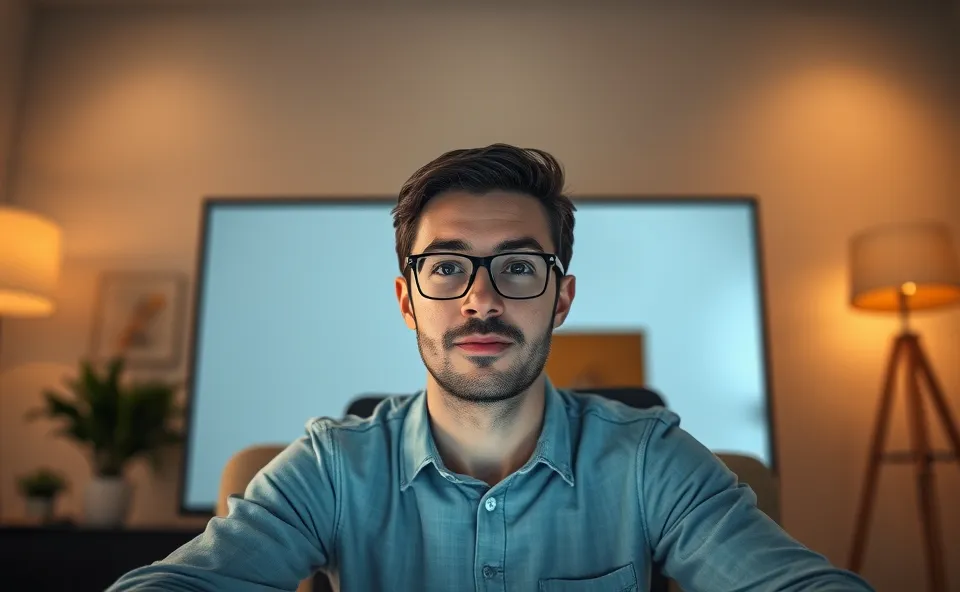
The Day My Face Became a Shadow on Zoom
You know those moments? The ones where you realize a small, everyday annoyance is actually a pretty big deal? For me, that moment arrived during a critical client presentation. I was prepped, my pitch was polished, and my internet was (finally) behaving. But when I joined the video call, all I saw was a dimly lit silhouette. My face was practically invisible, a stark contrast to my colleagues who seemed to be bathed in an angelic glow. It was humbling, to say the least. Suddenly, the quality of my webcam lighting wasn’t just a minor inconvenience; it was a barrier to professional connection during our zoom calls.
Why Suddenly Everyone’s Talking About Home Office Lighting
It’s funny how things can trend. Suddenly, it feels like everyone is talking about their home office lighting. Why now? Well, think about it. We’ve all spent more time working remotely. Those casual video chats with friends have morphed into serious business meetings. We’re showing up on screens more than ever before, and people are noticing the details. When you’re trying to build rapport, present yourself professionally, or even just have a clear conversation during video conferencing, bad lighting is a huge distraction. It makes us look tired, unprofessional, and frankly, it’s hard to focus on what someone is saying when you can barely see their face. This surge in remote work setup discussions means people are actively looking for ways to improve webcam quality, and lighting is often the easiest and most impactful fix.
My Journey from Dark Corners to Digital Daylight
For a long time, my home office was… well, just a corner of my living room. I’d tuck my laptop away and work when I could. The lighting was whatever the overhead room light provided, which, if you’ve ever tried to film yourself with just that, you know is usually pretty unflattering. It cast weird shadows, made my eyes look sunken, and generally gave off a “hiding from the law” vibe. When virtual meetings became the norm, I’d try to position myself near a window. This worked sometimes, but then I had the sun directly in my eyes, or it would be a cloudy day, and I was back in the gloom. The struggle to achieve good lighting for my webcam was real.
I’d tried adjusting my screen brightness, angling my laptop differently, even balancing a desk lamp precariously on a stack of books. Nothing quite did the trick. The light was either too harsh, too dim, or in all the wrong places. It felt like a constant battle to look presentable. I’d seen people with that ring light glow, looking perfectly illuminated, and I wondered what their secret was. I realized I needed a more deliberate approach to my home office lighting if I wanted to make a good impression during my professional video calls.
The Real Impact of a Well-Lit Face
It might sound superficial, but the impact of good webcam lighting goes deeper than just looking better on screen. When you’re properly lit for your zoom calls, you appear more engaged and confident. This boosts your credibility, whether you’re pitching an idea, collaborating with a team, or attending a crucial training session. For businesses, it means a more cohesive and professional image across all their remote interactions. Think about it: if everyone on a call looks clear and present, the overall perception of the meeting is more serious and productive. It’s a small change that significantly elevates the quality of video conferencing and makes virtual meetings feel more personal and less like a grainy, distant interaction.
For individuals, it’s about feeling more put-together and less stressed. No more last minute scrambling to find a decent light source or worrying about how you’ll appear. It allows you to focus on the content of the meeting, not your own presentation. This is especially true in mixed-use rooms where natural light might be inconsistent or the primary room lighting isn’t ideal for video. Having dedicated webcam tips for lighting means you can reclaim your space and still achieve a professional look.
What’s Next for Our Digital Glow Up
The drive for better webcam lighting isn’t going anywhere. As remote and hybrid work models become more entrenched, the demand for effective and accessible home office lighting solutions will only grow. We’ll likely see more integrated lighting options in monitors and webcams themselves. Beyond that, expect a rise in smart lighting solutions designed specifically for video calls, perhaps integrating with meeting software to automatically adjust based on the time of day or the number of people on screen. There will also continue to be a strong market for adaptable, affordable, and portable lighting kits that cater to diverse needs and budgets. For those of us working in spaces that pull double duty, like living rooms or bedrooms, finding creative and unobtrusive DIY lighting solutions will remain a key aspect of improving our video conferencing experience.
The focus will be on simplicity and effectiveness. No one wants a complicated setup that detracts from their work. It’s about making it easy for anyone to achieve good lighting and look their best during virtual meetings. This trend is essentially democratizing professional presentation, making it accessible to everyone, regardless of their workspace.
Frequently Asked Questions About Better Webcam Lighting
- What is the best webcam lighting setup for zoom calls?
- How can I improve my home office lighting without buying new equipment?
- What are some simple DIY lighting solutions for better video conferencing?
- How does lighting affect improve webcam quality during virtual meetings?
- What are the essential webcam tips for achieving good lighting for professional video calls?











