

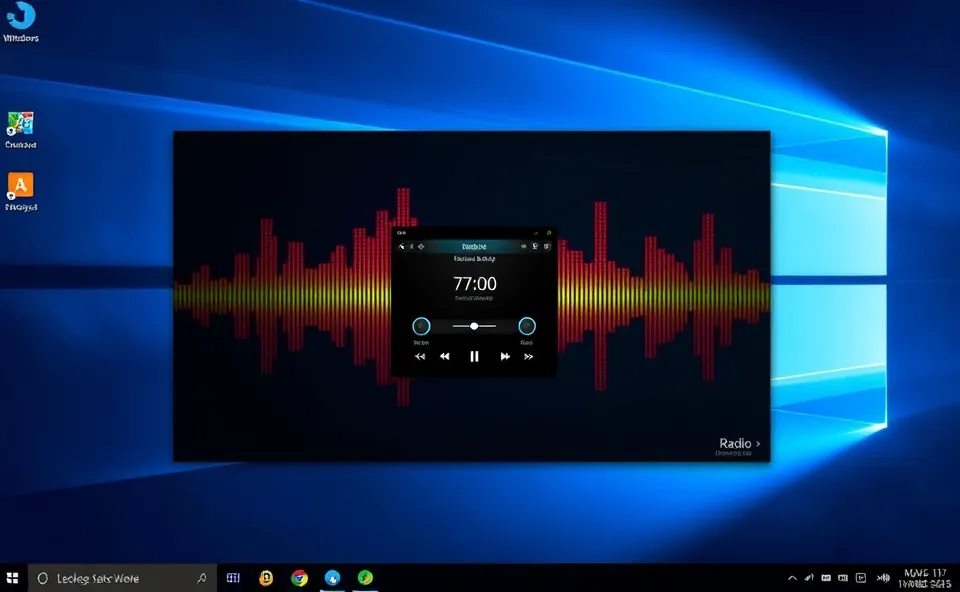
Bringing the Airwaves to Your Desktop
Ever miss tuning into your favorite radio station just because you’re stuck at your computer? Well, get ready to say goodbye to that frustration. A cool new piece of software called Trdo is making waves in the consumer tech world. It’s a completely free and open-source radio app designed specifically for Windows users. What’s the big deal? Trdo lets you stream live radio broadcasts straight from your desktop, turning your PC into a personal radio hub without needing any extra hardware.
Why All the Buzz About a Radio App?
You might be wondering why a simple radio app is suddenly grabbing attention. The search for a reliable free radio app for Windows has always been there, but it’s intensified recently for a few key reasons. Many people are looking for straightforward ways to enjoy live audio content without the clutter of subscriptions or complex interfaces. In a world filled with streaming services, there’s a nostalgic charm and practical convenience in just tuning into a live broadcast. Trdo steps in as a breath of fresh air, offering exactly that: a no-fuss, accessible way to get your audio fix directly on your Windows desktop. This appeal to simplicity and direct access is what’s driving the current interest in this kind of tool.
A Little Bit of History for Context
The concept of listening to radio on a computer isn’t exactly new. Years ago, as internet speeds improved, early forms of internet radio players started appearing. These were often clunky and required specific plugins or proprietary software. The dream was always to have a seamless experience, much like turning on a physical radio. For a long time, though, finding a truly free, reliable, and easy-to-use radio app for Windows that didn’t bombard you with ads or require complex setup felt like searching for a needle in a haystack. Many people resorted to web browsers, which can be resource-intensive and less integrated into their workflow. The rise of open-source software has been a significant factor here, allowing developers to collaborate and create robust, user-friendly applications without the pressure of commercial monetization. Trdo is a direct beneficiary of this collaborative spirit, building on years of digital audio advancements to offer a polished experience.
What This Means for Your Listening Experience
So, what does this Trdo app actually mean for you, the user? It’s pretty straightforward and quite beneficial. Firstly, it’s free. That means no hidden costs, no trials that expire, and no subscriptions to manage. You download it, you use it. Secondly, it’s open-source software. This is a big deal for many tech-savvy users as it means the code is transparent. You can trust that it’s not doing anything sneaky in the background, and it also means the community can contribute to making it even better over time. For music lovers, news junkies, or anyone who enjoys background audio while they work, Trdo offers a direct line to live radio without interrupting your workflow. Think of it as your personal soundscape manager for your Windows desktop. Instead of switching tabs or dealing with pop-ups, you have a dedicated, clean audio player ready to go. This simplifies the process of discovering new music, staying updated with local news, or just enjoying the familiar comfort of a radio station while you focus on other tasks. It’s about reclaiming that simple joy of listening to live broadcasts with ease and accessibility.
Looking Ahead for the Trdo App
What’s next for Trdo and other similar applications? The trajectory for a well-received open-source software like this is usually one of steady improvement and community growth. We can anticipate that the developers and the community will likely focus on expanding its features. This could include:
- A larger curated list of radio stations from around the globe.
- Improved station searching and categorization capabilities.
- Potentially, features like recording live broadcasts or setting favorite station presets.
- Enhancements to the user interface for even greater ease of use.
- Bug fixes and performance optimizations to ensure a smooth music streaming experience.
As more users discover and adopt Trdo, its popularity as a go-to internet radio solution for Windows will likely grow. This could lead to more developers being inspired to create similar accessible tools, further enriching the landscape of free and open-source consumer tech. The focus will remain on providing a stable, user-friendly, and ad-free experience, which is a winning formula in today’s digital environment.
Got Questions About This Free Radio App for Windows?
What exactly is Trdo and what makes it special as a free radio app for Windows?
Trdo is a brand new, completely free and open-source application for Windows computers that lets you stream live radio broadcasts directly from your desktop. Its special quality lies in its simplicity, transparency as open-source software, and its ability to offer a dedicated, ad-free listening experience for live radio.
How does Trdo provide live radio streams on my Windows desktop?
Trdo accesses existing internet radio streams from various stations worldwide. When you select a station within the Trdo app, it connects to that station’s online broadcast and plays it through your computer’s audio system, essentially acting as a powerful internet radio tuner for your Windows desktop.
Is Trdo a good option for music streaming beyond traditional radio?
While Trdo is primarily designed for live radio broadcasts, its core function as an audio player that handles internet streams means it’s excellent for general music streaming from live radio. You can discover new music from different genres and regions that might not be available on standard music streaming platforms.
Can I expect Trdo to be a secure and reliable audio player?
Yes, as an open-source software, Trdo offers a high degree of transparency, which often translates to enhanced security and reliability. The open-source nature means its code can be reviewed by the community, helping to identify and fix potential bugs or security vulnerabilities quickly, making it a trustworthy audio player.
Where can I find this free radio app for Windows and what are the system requirements?
You can typically find the Trdo app by searching for its name on software download sites or its official open-source repository. Since it’s designed for Windows and focuses on streaming, its system requirements are generally quite minimal, meaning it should run smoothly on most modern Windows desktops without needing high-end hardware.











