

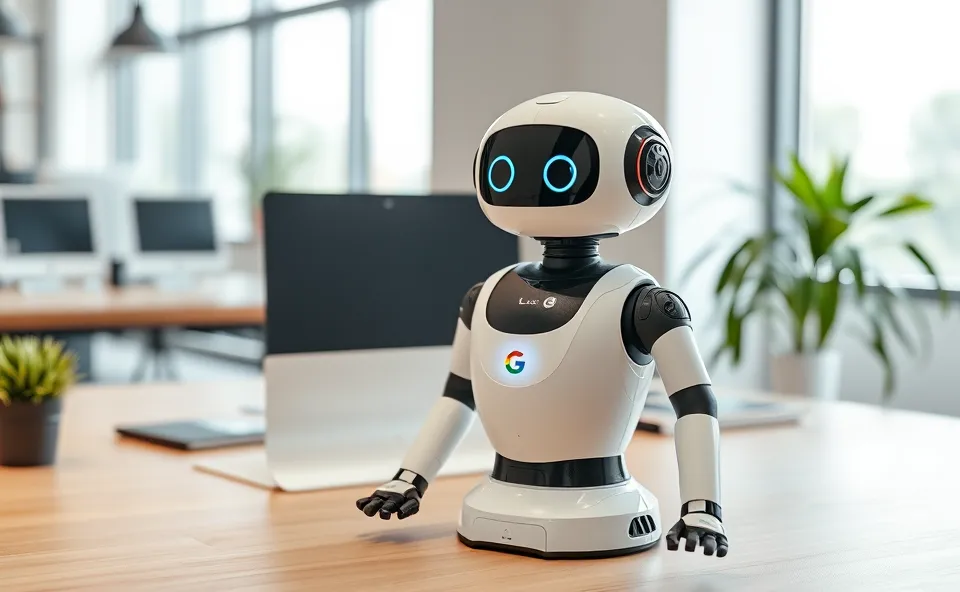
Your New Digital Teammate is Here
Imagine walking into your office and finding a brilliant, tireless intern waiting for you. This intern has already read all your emails, summarized the long meeting notes from yesterday, and drafted three different versions of that project proposal you have been putting off. They do not need coffee breaks, they do not get tired, and they know exactly where every single file is stored in your company drive. For most of us, this sounds like a dream. But with the latest updates to Google Workspace, this is becoming a daily reality.
Google is transforming its suite of tools into something much more than just a place to type documents or send emails. By integrating Workspace Intelligence, they are essentially giving every user a personal AI assistant. This is not just a chatbot that you talk to in a separate window. Instead, the artificial intelligence is baked directly into the apps we already use every day. It lives inside your Gmail, your Docs, your Sheets, and your Slides.
The goal is simple. Google wants to remove the boring, repetitive parts of your workday. Whether it is cleaning up a messy spreadsheet, rewriting a blunt email to sound more professional, or pulling key dates from a long thread of messages to create a calendar event, the system handles it. It acts as a layer of intelligence that sits on top of your workflow, anticipating what you need before you even have to ask for it.
Why Everyone is Talking About AI in the Office
You might wonder why this is such a huge deal right now. We have had software for decades, so why is the sudden surge in interest? The answer lies in the sheer volume of information we handle. Most modern professionals spend more time managing their work than actually doing it. We spend hours searching for a specific comment in a document, organizing folders, or trying to summarize a meeting for a teammate who missed it. This is often called work about work, and it is the primary cause of burnout.
People are searching for productivity tools that do more than just store data. They want tools that process data. We have moved past the era where we were happy just to have a cloud based document. Now, we want that document to help us write. We want our spreadsheets to analyze trends without us having to memorize complex formulas. The demand for office automation has reached a tipping point because we are all feeling the pressure to do more with less time.
Furthermore, there is a shift in how we view artificial intelligence. It is no longer a futuristic concept or a toy for generating funny images. It has become a practical necessity. As businesses compete in a faster global market, the ability to turn a raw set of notes into a polished presentation in five minutes instead of five hours is a massive competitive advantage.
From Simple Docs to a Smart Ecosystem
To understand where we are, it helps to look at where we started. For years, Google apps were designed as collaborative spaces. They solved the problem of version control. No more emailing a file back and forth with names like ProjectFinalv2_ActualFinal. You could just share a link and work together in real time. This was a revolution in collaboration, but the tools themselves were still passive.
A document was just a digital piece of paper. A spreadsheet was just a grid of cells. You provided all the intelligence, and the software provided the canvas. You had to know how to write the email, how to structure the data, and how to design the slide. If you were not a great writer or a data wizard, you had to spend a lot of time struggling with the tools to get a professional result.
Workspace Intelligence changes that dynamic. It turns the canvas into a collaborator. Instead of starting with a blank white page, you start with a draft. Instead of staring at a wall of numbers, you ask the AI to find the outlier. This is a fundamental shift from software that records your work to software that helps you perform your work. It is the evolution from a tool to a teammate.
Changing How We Actually Get Things Done
The real impact of this technology is felt in the small, daily wins that add up to hours of saved time. When you look at workflow enhancement, it happens in a few key ways:
- Communication: In Gmail, the AI can help you find the right tone. If you are too brief, it can expand your thoughts into a polite request. If you are too wordy, it can condense your message into a few punchy bullet points.
- Content Creation: In Google Docs, the AI helps overcome the fear of the blank page. You can give it a few prompts, and it will generate a first draft of a blog post, a job description, or a project plan. This allows you to spend your energy on editing and refining rather than staring at a blinking cursor.
- Data Management: Google Sheets is perhaps where the magic happens most. Creating complex tables or organizing raw data used to require a deep knowledge of formulas. Now, you can simply describe what you want to organize, and the AI builds the structure for you.
- Visual Storytelling: In Slides, the ability to generate custom images or organize layouts means that people who are not graphic designers can still create visually compelling presentations.
For businesses, this means a democratization of skill. Not everyone in a company is a master communicator or a data analyst, but with an AI assistant, everyone can produce work that meets a high professional standard. It levels the playing field and allows employees to focus on high level strategy and creative problem solving rather than the mechanics of the software.
Where We Go From Here
Looking ahead, the future of work will likely be defined by hyper personalization. Right now, the AI is great at general tasks. In the near future, it will get better at understanding your specific voice, your company’s unique brand tone, and your personal preferences. It will know that you prefer short emails on Mondays but detailed reports on Fridays.
We can expect to see a move toward fully autonomous workflows. Instead of you asking the AI to summarize a meeting, the AI will automatically summarize the meeting, email the action items to the relevant people, and add the deadlines to everyone’s calendar without you lifting a finger. The AI will not just be an intern that follows instructions, but a coordinator that manages the logistics of your professional life.
This shift will force us to rethink what we value in employees. When the technical act of writing a report or organizing a sheet becomes instant, the real value moves to critical thinking, empathy, and leadership. The human element becomes the most important part of the equation because the AI handles the execution, leaving the humans to handle the vision.
Common Questions About AI Productivity
How does Google Workspace use AI to save time?
Google Workspace uses artificial intelligence to automate repetitive tasks like drafting emails, summarizing long documents, and organizing data in spreadsheets. By handling these time consuming chores, it allows users to focus on more important, creative work.
What is the main benefit of Workspace Intelligence for businesses?
The main benefit is workflow enhancement. It increases overall efficiency by reducing the time spent on administrative tasks. It also ensures a consistent quality of work across the organization, as the AI assistant helps everyone produce professional content.
Can an AI assistant actually replace a human intern?
While Workspace Intelligence can handle data organization and drafting, it cannot replace human judgment, emotional intelligence, or complex decision making. It replaces the boring parts of an internship, not the strategic thinking of a human.
Which Google apps benefit the most from office automation?
All Google apps see improvements, but Gmail and Docs benefit greatly through automated drafting and summarizing. Google Sheets sees a huge impact in how data is structured and analyzed without needing complex formulas.
Is this the beginning of the future of work?
Yes, it represents a major shift toward a collaborative relationship between humans and machines. The future of work will rely less on knowing how to use a specific software tool and more on knowing how to direct AI to achieve a desired outcome.











