Google TV’s Makeover Secret: Meet AT4K
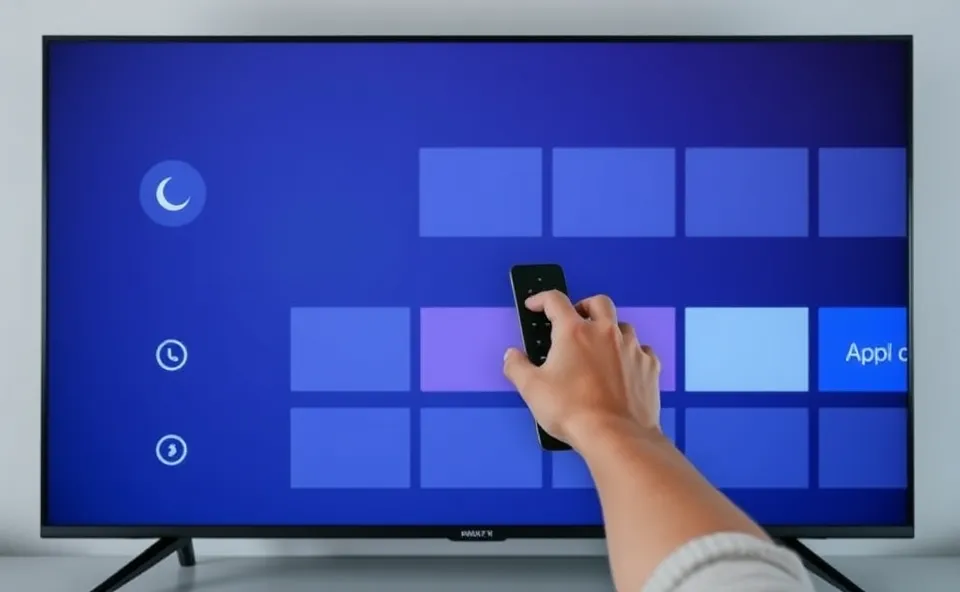
Ever feel like your Google TV is a bit of a mess? Like you’re constantly wading through stuff you don’t want to see just to find the show you’re actually looking for? You’re definitely not alone. For a while now, many folks have found the Google TV interface a little cluttered and, frankly, frustrating. But guess what? There’s a new player in town, an app called AT4K, that’s quietly making waves by giving the whole Google TV experience a much-needed refresh. Think of it as a personal stylist for your smart TV, making everything cleaner, easier to navigate, and way more yours.
Why Is Everyone Talking About AT4K Now?
The buzz around the AT4K app is really picking up steam because it directly tackles a pain point many Google TV users have been feeling. In the age of endless streaming options, a clunky interface can feel like a major roadblock to enjoying your downtime. People are searching for solutions because they want to spend less time searching and more time watching. AT4K offers a glimpse into what a more streamlined and personalized streaming interface could look like, and that’s incredibly appealing right now. It’s about reclaiming control over your media center and making your smart TV truly smart for you.
A Little History on the Google TV Interface
To really appreciate what AT4K is doing, it helps to know where Google TV came from. Google has been in the smart TV game for a while, with Android TV being the foundation. The shift to Google TV was meant to bring a more curated and content-first approach, pulling recommendations from all your subscribed services into one place. The idea was fantastic: a unified dashboard for all your entertainment. However, the execution sometimes felt a bit overwhelming. The main screen often felt packed with suggestions, making it hard to find what you were looking for, and the customization options were limited. Many users found themselves longing for a simpler, more organized streaming interface, and this is where the frustration with the default Google TV interface really started to simmer.
What Does This Mean for Your TV Time?
The biggest impact of an app like AT4K is on your personal user experience. Instead of being presented with a one-size-fits-all layout, AT4K allows you to shape your Google TV interface. This means:
- Less Clutter, More Clarity: Imagine a home screen that actually shows you what you want to see, without endless scrolling past apps or recommendations you’ll never touch. AT4K aims to declutter that main screen, making it feel less like an advertisement and more like your personal media hub.
- Your TV, Your Rules: This app is all about app customization. You get to decide which apps are front and center, how your content is organized, and what your shortcuts look like. This level of control is a game-changer for smart TV usability.
- A Smoother Ride: When your interface is easy to navigate, your whole streaming experience becomes more enjoyable. No more hunting for that one app or getting lost in endless menus. AT4K’s focus on a cleaner Google TV interface translates directly to less frustration and more effortless entertainment.
Compared to the often-praised simplicity of the Apple TV interface, which many users find very intuitive, Google TV has struggled to hit that same sweet spot of ease and efficiency. AT4K is attempting to bridge that gap, offering a more polished and user-friendly approach to the Google TV platform. For businesses developing smart TV platforms, it highlights the constant need to listen to user feedback and adapt. For consumers, it means better tools are emerging to enhance our digital lives.
Where Does This Lead Us Next?
The emergence of AT4K suggests a growing trend toward user empowerment in the smart TV space. We’re likely to see more apps and software updates that prioritize customization and a cleaner user experience. For Google TV itself, this kind of third-party innovation might push them to further refine their native interface, perhaps incorporating more user-requested features directly into future updates. The focus will continue to be on making these powerful devices easier and more enjoyable to use. Think of it as a silent competition, where the ultimate winner is the user who gets a better, more personalized streaming experience.
Got Questions About Google TV and AT4K?
What exactly is the AT4K app?
The AT4K app is a third-party application designed to enhance the Google TV interface. It aims to make the Google TV interface cleaner, more customizable, and less frustrating for users by offering better control over app organization and content display.
Why is the Google TV interface considered frustrating by some users?
Many users find the default Google TV interface to be cluttered with recommendations and advertisements, making it difficult to find specific apps or content. The limited options for app customization and organization contribute to this Google TV frustration.
How does AT4K compare to the Apple TV interface?
While the Apple TV interface is often lauded for its simplicity and user-friendliness, Google TV has faced criticism for its less intuitive layout. AT4K aims to bring a similar level of user-friendly design and streamlined navigation to the Google TV platform, offering more personalization than the standard Google TV interface.
Can AT4K improve my smart TV usability?
Yes, AT4K is specifically designed to improve smart TV usability by giving you more control over your streaming interface. Through app customization and a cleaner layout, it helps you access your favorite content more quickly and efficiently, reducing overall frustration.
Is AT4K a good option for someone tired of the current Google TV experience?
If you’re experiencing Google TV frustration and are looking for a more personalized and organized way to use your smart TV, then AT4K is definitely worth exploring. It offers a way to tailor the streaming interface to your preferences, transforming your media center into a more enjoyable space.